
Pictory does one thing extremely well: turning existing text into finished videos. Paste a blog URL or script, and it assembles scenes, stock footage, captions and a voiceover automatically — no editing skills required.
It's a different animal from Runway, which generates cinematic footage from prompts. Pictory is a production accelerator for marketers and faceless YouTube channels who need volume, not art-house shots. Our full AI video tool comparison breaks down which style fits which workflow.
Blog-to-video, faceless YouTube, content repurposing
🎁 Get 20% off with code AITOOLSCORES at checkout
Real Usage Evidence
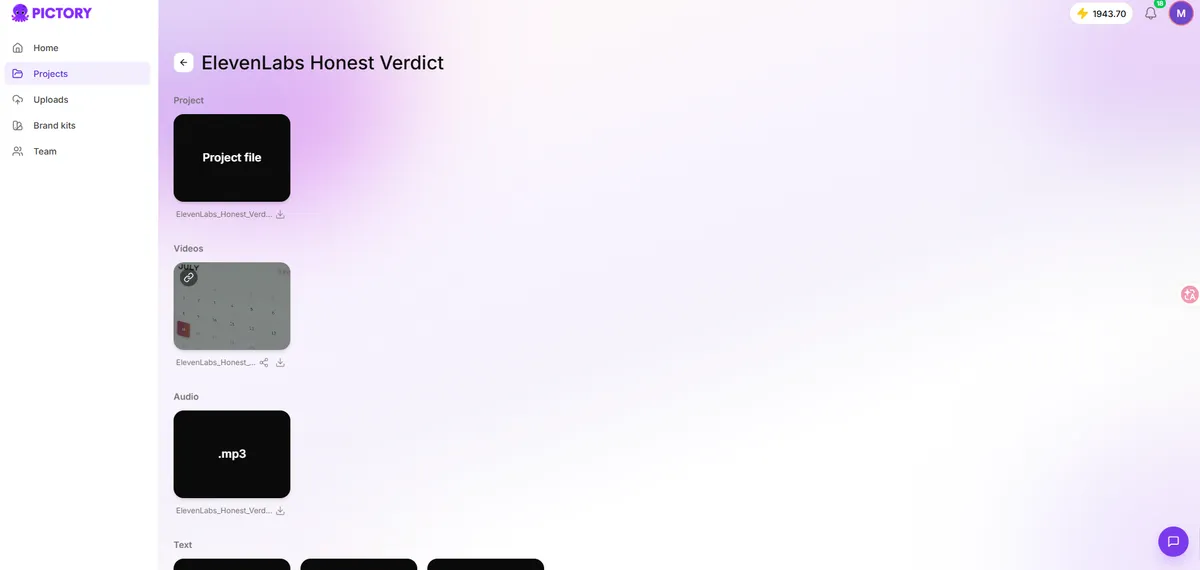
Screenshots from our own accounts — no stock images.
Pros & Cons
✓ What We Like
- Fastest blog-to-video workflow we've tested
- Auto captions are remarkably accurate
- Huge built-in stock library removes licensing headaches
- Very affordable entry point
✗ What Could Improve
- AI voices still sound synthetic next to ElevenLabs
- Less creative control than prompt-based generators like Runway
- Template-driven output can look similar across videos
Key Features
- Script-to-Video: paste a script, get a narrated video with matched stock scenes
- Article-to-Video: drop a blog URL and it auto-summarizes into scenes
- Auto-captions with high accuracy — huge for social engagement
- 10M+ royalty-free stock clips, images and music included
- AI voiceovers, including premium ElevenLabs voices
- Brand kits, templates and direct Hootsuite publishing
Pricing
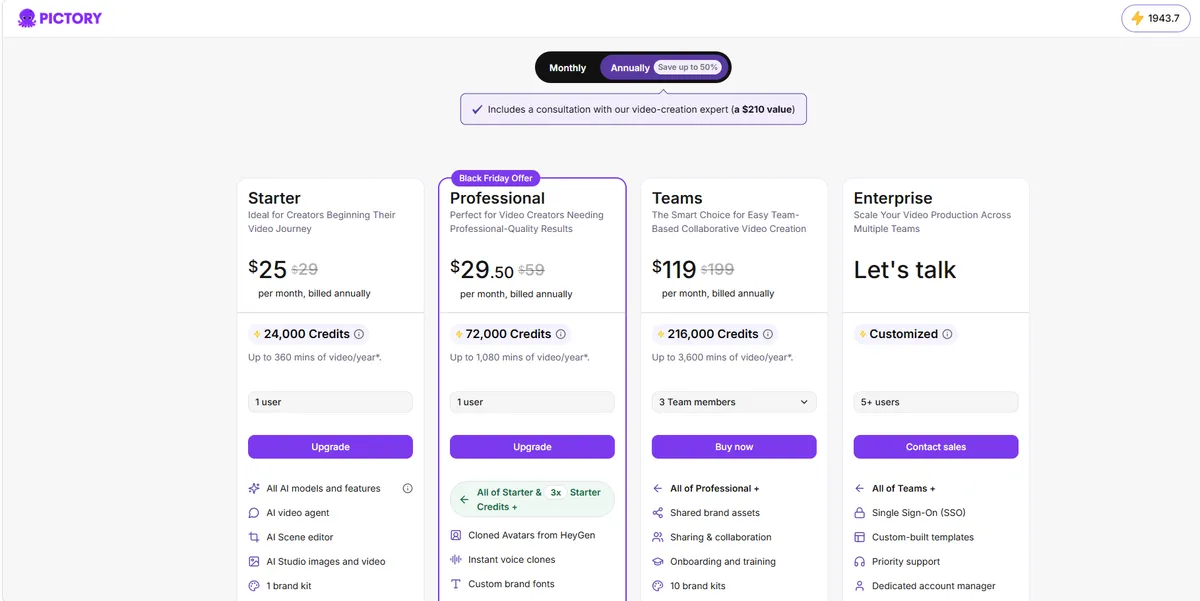
| Plan | Price | Notes |
|---|---|---|
| Free Trial | $0 | 14 days with full features to evaluate |
| Starter | $29/mo | Entry plan for solo creators |
| Professional | $59/mo | Most popular — higher limits + premium voices |
| Teams | $199/mo | Collaboration, shared brand kits, priority support |
Our Verdict: 8.7/10
If your job is turning written content into videos at scale — blog posts, listicles, faceless YouTube — Pictory is the best value in the category. Filmmakers wanting generative cinematic shots should choose Runway instead; content marketers will save hours every week with Pictory.
Disclosure: AIToolScores is reader-supported. If you sign up for Pictory through links on this page, we may earn a commission at no extra cost to you. Learn more.
Changelog: Published October 24, 2026. Updated November 13, 2026 — added hands-on FAQ section, upgraded structured data (Review schema, dates). Pricing verified against the official site at publication (October 24, 2026).
Frequently Asked Questions
How much does Pictory cost?
Pictory offers a 14-day free trial with full features. Paid plans start at $29/mo on monthly billing (Starter), with Professional at $59/mo and Teams at $199/mo — annual billing runs from $25/mo.
Who is Pictory best for?
Marketers, bloggers and faceless YouTube channels who need to turn existing text content into videos fast, without editing skills.
Does Pictory include AI voiceovers?
Yes. Pictory includes built-in AI voiceovers, including premium ElevenLabs voices, plus 10M+ royalty-free stock clips, images and music.