
Runway has been the filmmaker's AI suite since the beginning, and its current generation models produce remarkably coherent, cinematic motion. Text-to-video, image-to-video, and camera controls give directors real creative control.
Crucially, it's more than a generator: the editor combines AI rotoscoping, green screen, motion tracking and inpainting — a genuine post-production toolkit that traditional editors appreciate.
Short cinematic clips, ads, and AI-assisted editing
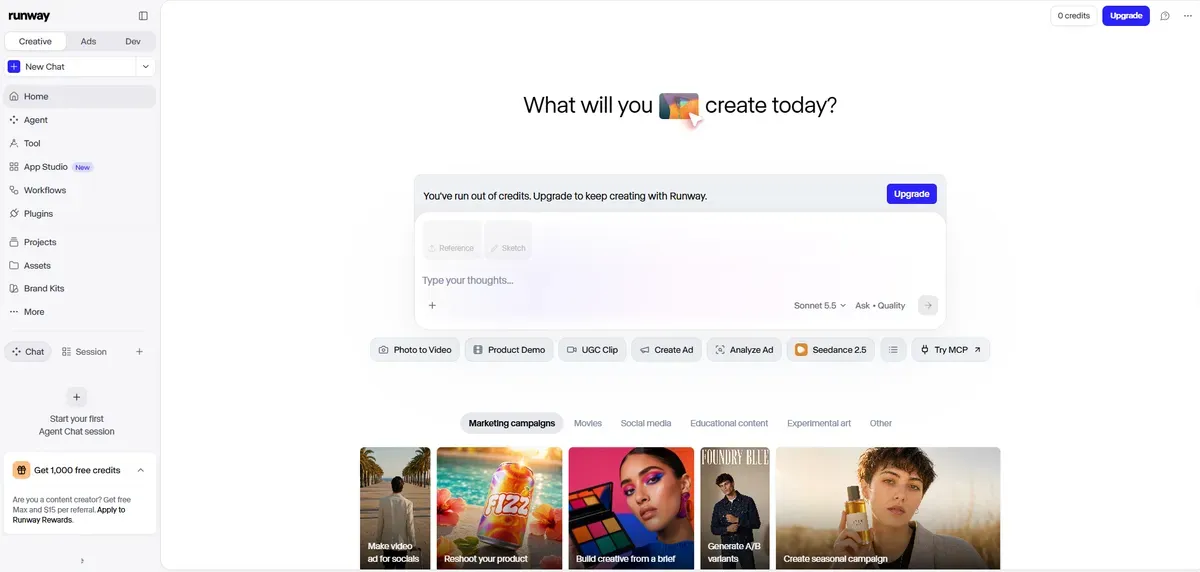
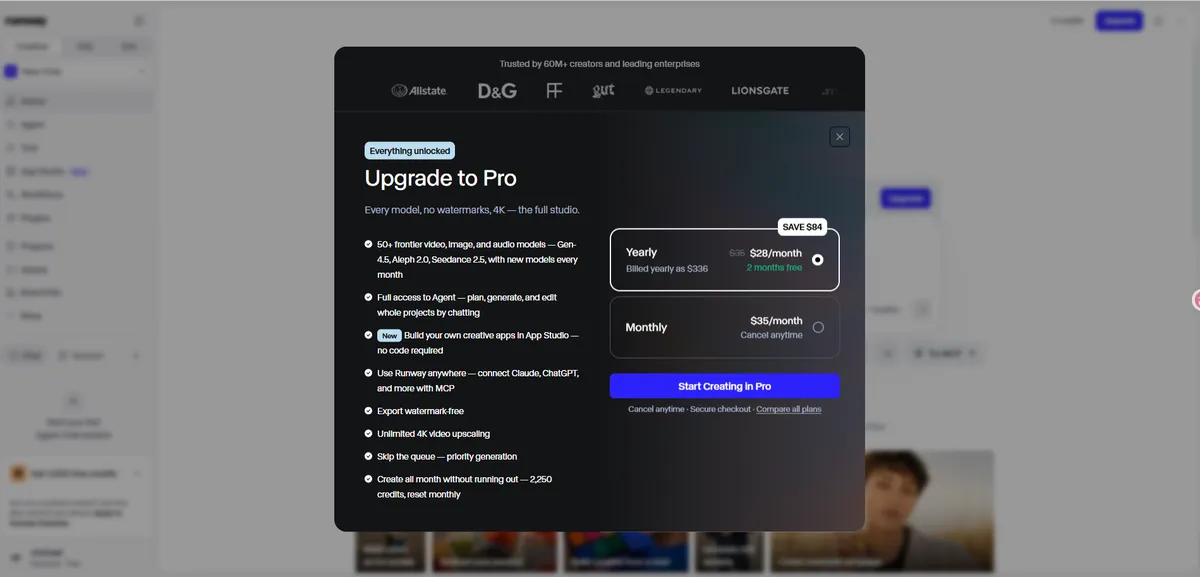
Real Usage Evidence
Screenshots from our own accounts — no stock images.
Pros & Cons
✓ What We Like
- Most coherent cinematic motion in our tests
- Full AI post-production suite included
- Strong creative control over shots and style
- Trusted by professional filmmakers
✗ What Could Improve
- Credit system is confusing at first
- 4K and top models locked behind higher tiers
- Clips are short (a few seconds to ~40s depending on model)
Key Features
- Latest-gen text-to-video and image-to-video models
- Cinematic camera controls: pan, tilt, zoom, dolly
- AI editing suite: rotoscope, green screen, motion tracking
- Consistent characters and styles across shots
- Integration with leading editing workflows
Pricing
| Plan | Price | Notes |
|---|---|---|
| Free | $0 | One-time 125 credits to evaluate quality |
| Standard | $12–15/mo | 625 credits/month, watermark-free 4K exports |
| Pro | $28+/mo | 2,250 credits/month, advanced models and features |
Our Verdict: 8.9/10
Runway is the right choice when video quality is business-critical — ads, music videos, social campaigns. Hobbyists should start free, but plan on the Standard tier for serious work. Also compare Kling and Pika before committing.
Disclosure: AIToolScores is reader-supported. If you sign up for Runway through links on this page, we may earn a commission at no extra cost to you. Learn more.
Changelog: Published October 24, 2026. Updated November 13, 2026 — added hands-on FAQ section, upgraded structured data (Review schema, dates). Pricing verified against the official site at publication (October 24, 2026).
Frequently Asked Questions
How much does Runway cost?
Runway has a free tier with one-time 125 credits. Standard is about $12–15/mo with 625 monthly credits and watermark-free 4K exports; heavy users land on the $28+/mo Pro tier.
Who is Runway best for?
Filmmakers, ad creatives and social studios who want to generate original cinematic footage and use AI editing tools like rotoscoping, green screen and motion tracking.
Is Runway hard to learn?
Runway expects you to direct — prompts, camera moves and clip stitching have a real learning curve compared to template-based tools like Pictory.